 RGBJunkie
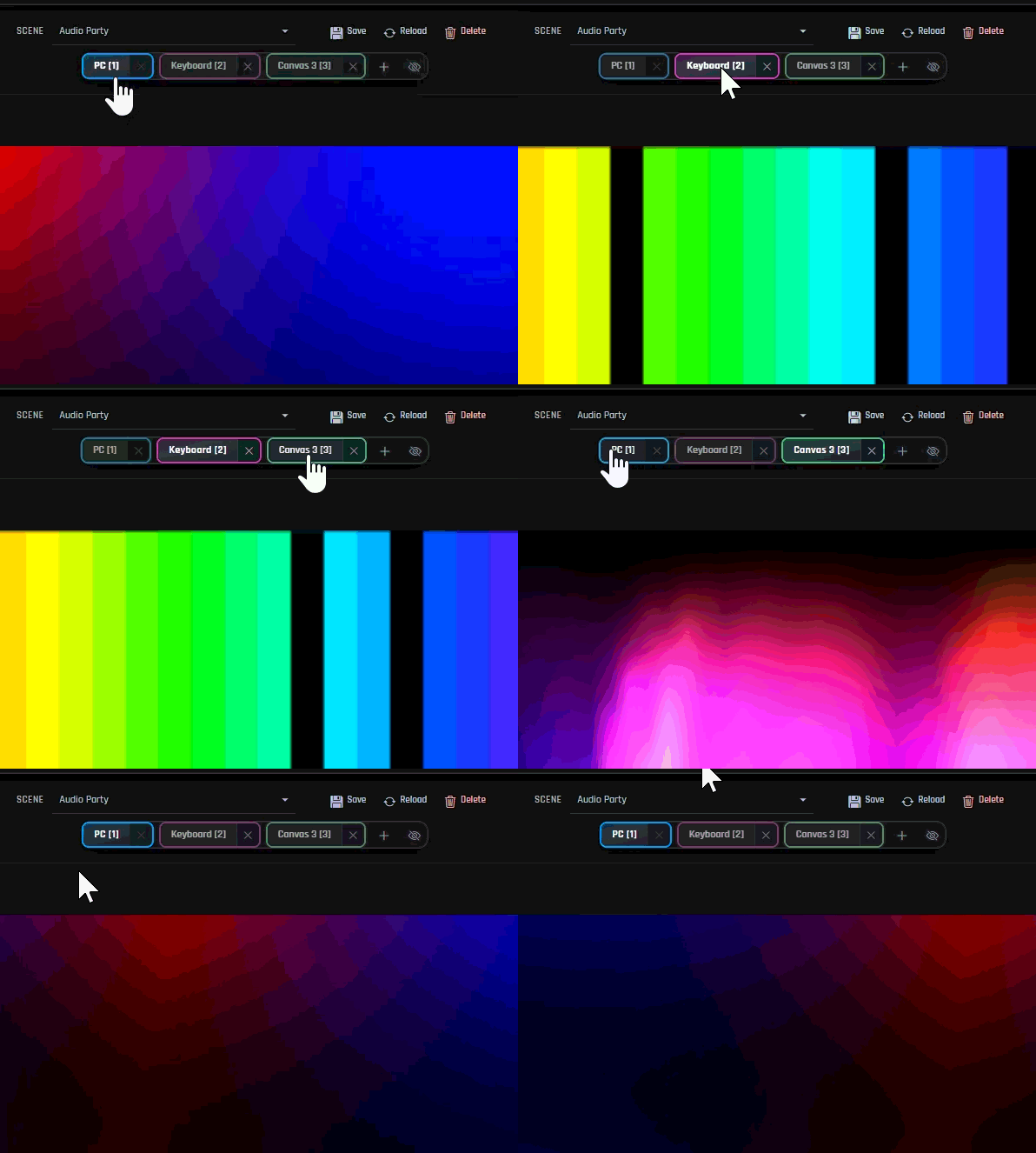
Multiple workspace canvases
Organize different zones (main desk, shelf, stream wall) on separate tabs. Rename them, jump with hotkeys, and keep each area’s layout and lighting independent.
Plan every strip, keyboard, and accent on a visual desk. Switch between workspace canvases for different zones, preview stunning effects in real time, and push colors to the USB gear you already own, without scripting or juggling five separate apps.
Drag, preview, save a look, and go play. Whether you are dialing in a stream backdrop or finally syncing the tower, monitor, and desk mat, you stay in control without a manual the size of a textbook.
Organize different zones (main desk, shelf, stream wall) on separate tabs. Rename them, jump with hotkeys, and keep each area’s layout and lighting independent.
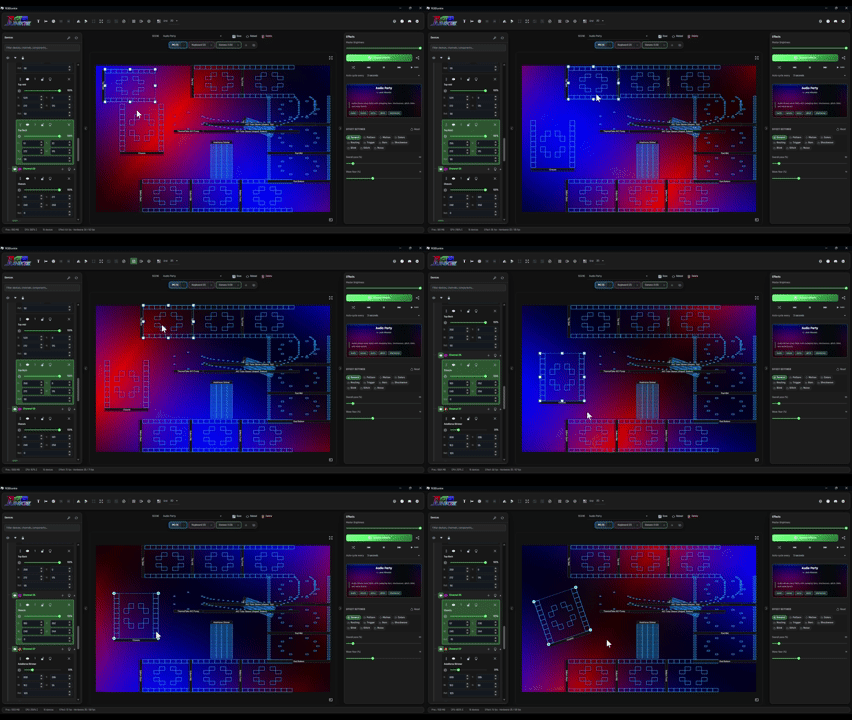
Drag keyboards, strips, and mats onto a large workspace. Move, resize, rotate, and align until the on-screen picture matches the rig you are building.
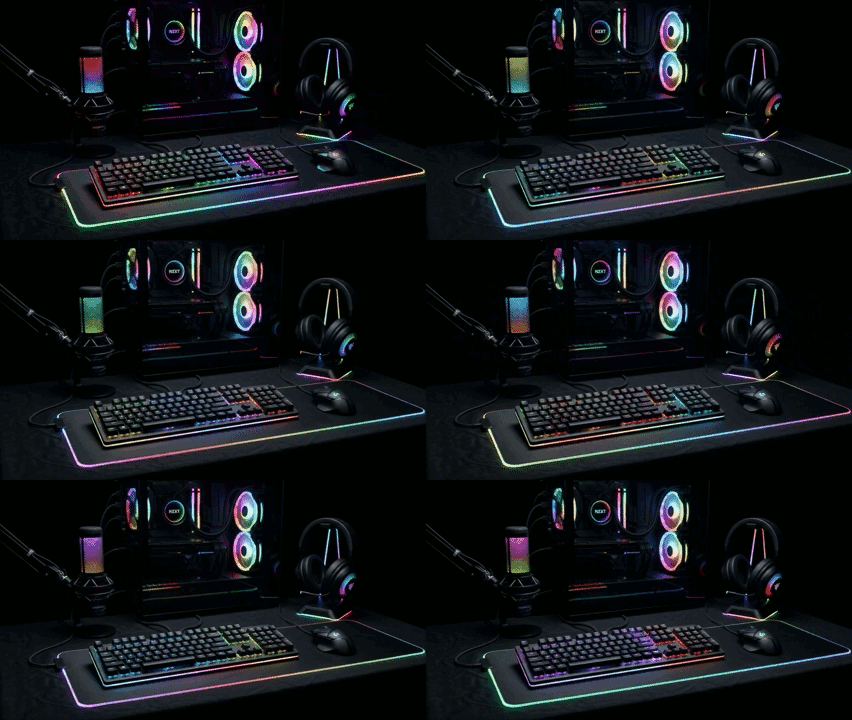
Plug in supported USB lighting from popular brands, keep everything in one tidy list, and flash a device when you need to spot it behind the tower. Browse the growing compatibility list.
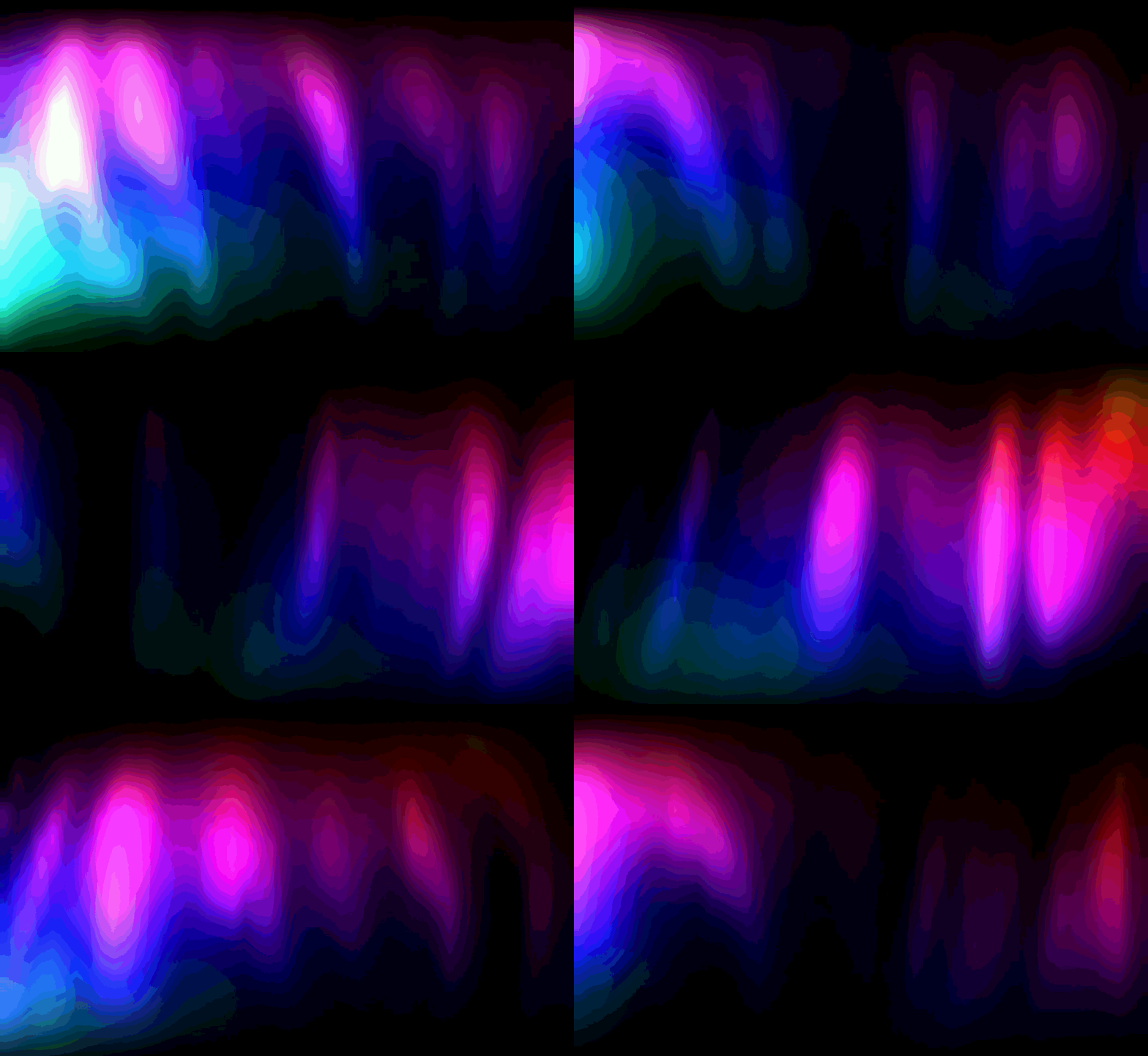
Pick from a rich library of bundled looks, tune sliders to taste, and save color profiles that match your aesthetic: calm focus, neon party, team colors, and more.
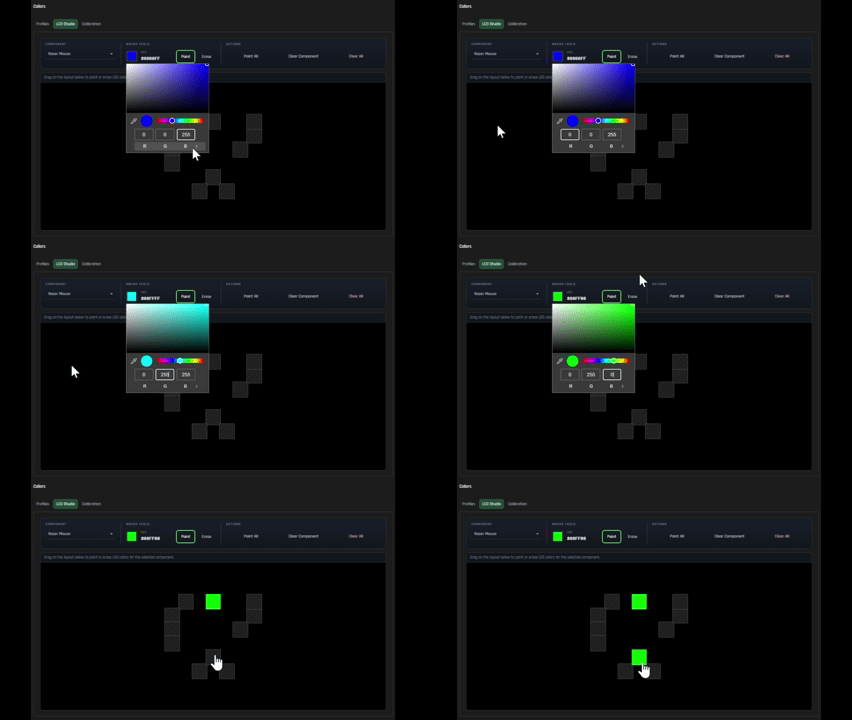
Open LED Studio to brush specific lights by hand, ideal for logos, corner accents, or fixing one zone that never quite matched the rest.
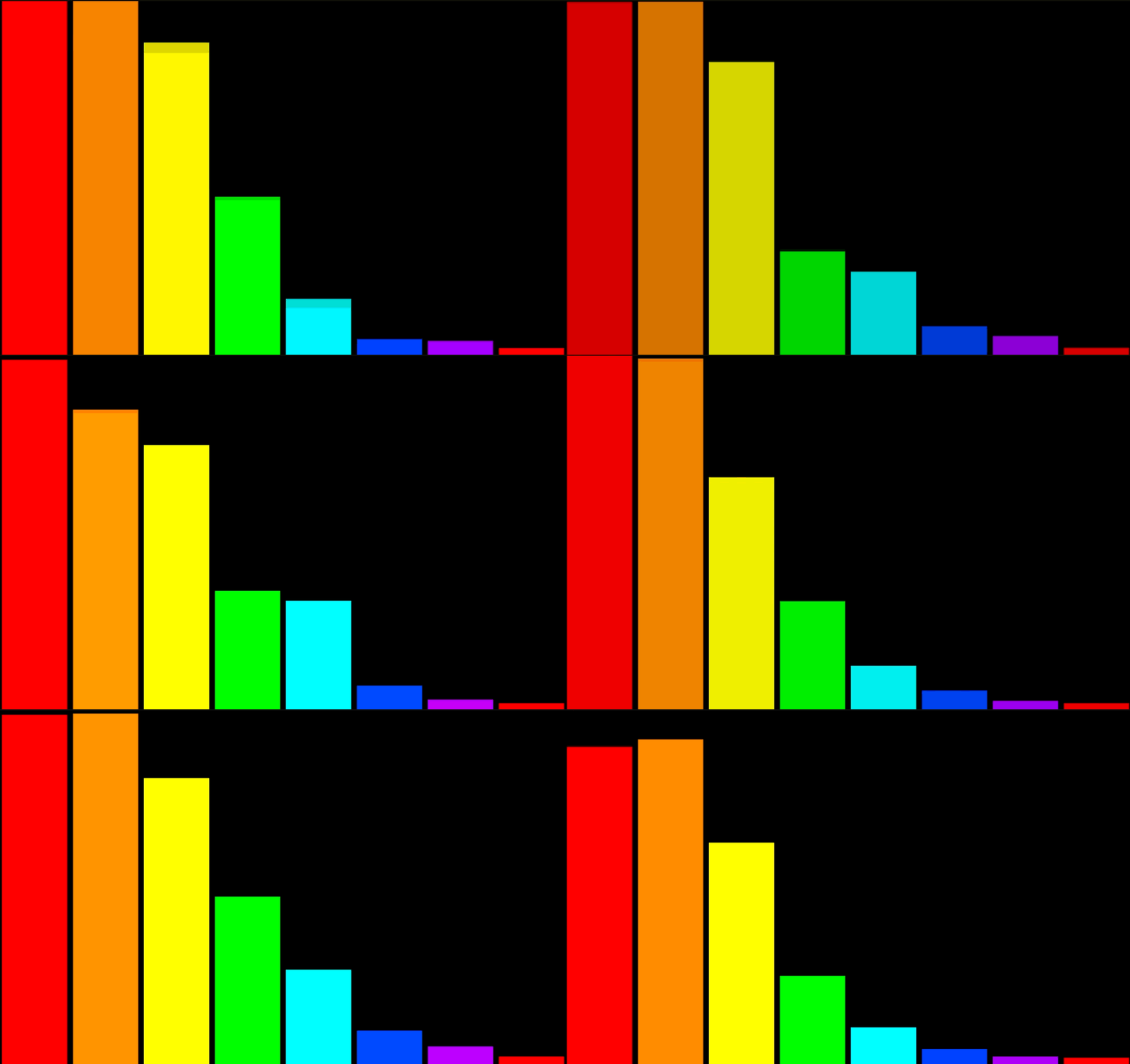
Optional music-reactive lighting helps colors follow your playlist, game audio, or stream, so the desk feels alive when you are in the zone.
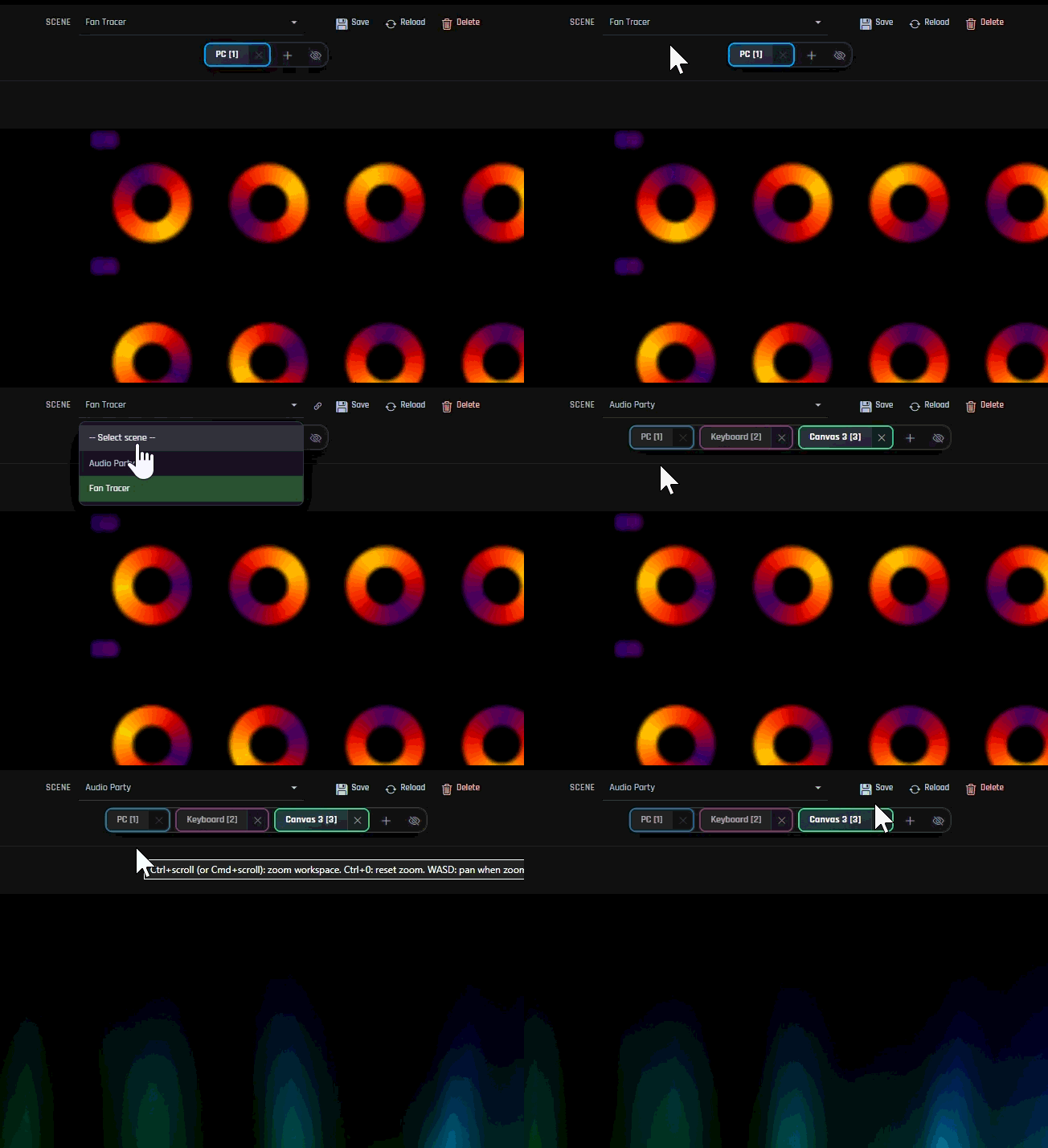
Store layout, canvas tabs, effect sliders, and components together as a Scene. Switch weekday focus and weekend showcase from the bar above your workspace tabs.
RGBJunkie is extensible: ship USB device plugins, HTML canvas effects, or functional .mjs effects.
Full API guides and links to the browser creative tools are in the Help Center.
Build USB HID lighting plugins: export-function format (recommended), optional ABI descriptor, lifecycle exports, and the device API.
Create HTML canvas effects: metadata, sidebar settings, and host APIs (audio, screen, sensors) explained in plain language first.
Per-LED effects without a canvas — export meta + sampleLed; audio and color profiles explained step by step.
Search VID/PID, transport, and device kind from shipped plugins — useful when matching hardware in your plugin.
Download RGBJunkie for Windows or Linux. No account required. Install, plug in your gear, and build the desk you have been picturing.
Choose your platformLatest release
v0.7.12
Development build — for testing before 1.0.
Windows 10 or later, 64-bit · 30.9 MB
Paste these in docs, Discord, or scripts — they start the download immediately and stay valid after each release. Per-version links are on the release downloads page.
By downloading, you agree to the Terms of Service.
That warning is normal for a new RGBJunkie build from rgbjunkie.com. Microsoft Edge and other browsers flag files until more people have downloaded them. The installer is served directly from our site — not a third-party mirror.
When you run the installer, Windows may show another SmartScreen screen. Choose More info, then Run anyway if you downloaded from this page.
Windows Security (Defender) may also quarantine a new build by mistake (for example Trojan:Win32/Bearfoos.A!ml).
That is a false alarm for a new, unsigned app — Restore it from Protection history and reinstall from this page. It clears on its own within a few days.
Full guide with screenshots · Portable ZIP users: unzip the folder, then run RGBJunkie.exe — the same warnings can appear there too.
Install the package with your distro’s tools, or mark the AppImage executable before running it.